
Appointment reminder best practices come down to three variables: timing, channel, and confirmation. Get any one of them wrong and patients slip through. This guide shows how healthcare practices reduce no-shows with reminder cadence, message design, and follow-up steps that work without feeling intrusive.
Quick takeaways: Most practices should start with a 3-1-0 cadence, lead with SMS, add confirmation requests, and escalate unconfirmed appointments to a phone call. The best reminder system is not the one that sends the most messages. It is the one that reaches the patient early enough to protect the schedule.
Every healthcare practice deals with no-shows, but few treat them as the operational problem they actually are. A single missed appointment costs $200 on average when you factor in lost revenue, idle staff time, and the scheduling gap that could have gone to another patient. Across a year, that adds up to $150,000 or more per location. For multi-location healthcare groups, multiply that across every site and the financial impact becomes material to the bottom line. The problem starts at patient intake — if the initial scheduling workflow doesn’t capture the right contact preferences, reminders never reach the patient.
The good news: well-designed reminder systems are one of the highest-ROI operational investments a practice can make. They require no new staff, no capital expenditure, and produce measurable results within the first month.
Table of Contents
- Why Do Reminders Matter for No-Show Reduction?
- What Is the Optimal Reminder Cadence?
- What Channels Do Patients Prefer?
- What Reminder Content Actually Works?
- Why Are Confirmation Requests the Missing Step?
- What Are the HIPAA Compliance Essentials?
- When Is the Best Time of Day to Send Reminders?
- How Should You Approach Technology and Automation?
- How Do You Measure Reminder Effectiveness?
- What Should Multi-Location Groups Consider?
Why Do Reminders Matter for No-Show Reduction?
Forgetfulness remains the primary cause of missed appointments. According to a 2024 MGMA survey, 33% of patients who miss appointments cite simple forgetfulness as the reason. Not dissatisfaction, not cost, not inconvenience. They just forgot.
The US healthcare no-show rate ranges from 5.5% to 50% depending on specialty and patient population, with an overall average of 23.5%. That translates to roughly $150 billion in annual costs across the US healthcare system. For individual practices, the revenue impact typically reaches $150,000 per year. Patients who no-show once carry a 70% higher risk of leaving the practice entirely, making the problem compound over time.
Effective reminder systems address these numbers directly. Practices that implement structured appointment scheduling workflows with built-in reminders consistently reduce no-shows by 20-50%. Confirmation requests create an additional layer of value by identifying patients who need to reschedule before the appointment slot goes to waste. Multi-channel approaches catch patients across their preferred communication methods, closing the gaps that single-channel systems miss.
What Is the Optimal Reminder Cadence?
Research and practice data converge on a three-touch approach. The key insight is that each touchpoint serves a different purpose. The first reminder creates awareness, the second drives confirmation, and the third handles logistics. Skipping any of the three creates a gap where patients fall through.
The 3-1-0 Framework
| Timing | Purpose | Primary Channel | Content Focus |
|---|---|---|---|
| 3 days before | Initial awareness | SMS or Email | Full details, prep instructions |
| 1 day before | Confirmation request | SMS | Confirm/reschedule CTA |
| Day of (2-4 hours) | Arrival prompt | SMS | Directions, what to bring |
Why this cadence works:
- 3 days: Gives time to reschedule if needed, allows practice to fill cancellations
- 1 day: Fresh in memory, easy to confirm or cancel
- Day of: Final prompt for arrival timing and logistics
How Should You Customize the Cadence?
Not all appointments need the same approach. New patients carry higher no-show risk because they have no established relationship with the provider, may have booked weeks in advance, and often need preparation instructions they are not familiar with. Follow-up appointments, on the other hand, involve patients already engaged with the practice who booked recently and need fewer touchpoints.
By appointment type:
| Type | Recommended Cadence | Notes |
|---|---|---|
| New patient | 7-day + 3-day + 1-day + same-day | Higher no-show risk, more prep needed |
| Routine recall | 3-day + 1-day + same-day | Standard cadence |
| Follow-up | 2-day + same-day | Already engaged, shorter lead time |
| High-value procedure | 7-day + 3-day + 1-day + same-day | More prep, higher stakes |
By lead time:
| Booking Lead Time | First Reminder | Why |
|---|---|---|
| Same week | 1-day + same-day | Short window, fewer touches |
| 1-2 weeks out | 3-day + 1-day + same-day | Standard cadence |
| 2-4 weeks out | 7-day + 3-day + 1-day + same-day | Longer memory span |
| 4+ weeks out | 14-day + 7-day + 3-day + 1-day | Risk of forgetting increases |
What Channels Do Patients Prefer?
Patient preferences should drive your channel strategy, not the other way around. Too many practices default to phone calls because that is what they have always done, despite overwhelming evidence that patients prefer text messages. The mismatch between practice communication habits and patient preferences is one of the biggest reasons reminders fail to reduce no-shows.
Channel preference data:
- 64% of patients prefer text message reminders
- 97% want appointment reminders via SMS
- 86% of people ignore calls from unknown numbers
- 20-30% email open rate vs. 98% SMS open rate
Channel Comparison
| Channel | Open/Read Rate | Best For | Limitations |
|---|---|---|---|
| SMS/Text | 98% open, 90% read in 3 min | All patients under 65, quick confirmations | Character limits, opt-in required |
| Phone calls | 25-40% answer | Older patients, complex instructions | Labor intensive, often ignored |
| 20-30% open | Detailed prep instructions, documentation | Spam filters, delayed reading | |
| Patient portal | Variable | Tech-savvy patients, secure info | Requires login, low engagement |
What Does a Multi-Channel Strategy Look Like?
The most effective practices do not rely on a single channel. They layer channels based on patient demographics and escalate when initial outreach goes unanswered. This is similar to how patient recall campaigns combine postcards, texts, and phone calls for maximum reach. The same multi-channel principle applies across specialties — dental practices, urgent care centers, and medical spas all benefit from layered outreach tailored to their patient demographics.
Recommended approach:
- Primary: SMS for all patients who opt in
- Backup: Email with same content for documentation
- Escalation: Phone call for unconfirmed appointments (high-value or high-risk)
By patient age:
| Age Group | Primary | Secondary | Notes |
|---|---|---|---|
| 18-44 | SMS | Digital native, instant response | |
| 45-64 | SMS | Phone | May need phone for complex |
| 65+ | Phone | SMS | Verify SMS comfort level |
The age-based segmentation matters because one-size-fits-all channel selection leaves gaps. A practice that defaults to phone calls for all patients will frustrate younger patients who rarely answer calls from unknown numbers. A practice that sends only texts will miss older patients who may not check messages regularly. The best performing practices tag channel preferences at registration and update them at each visit.
What Reminder Content Actually Works?
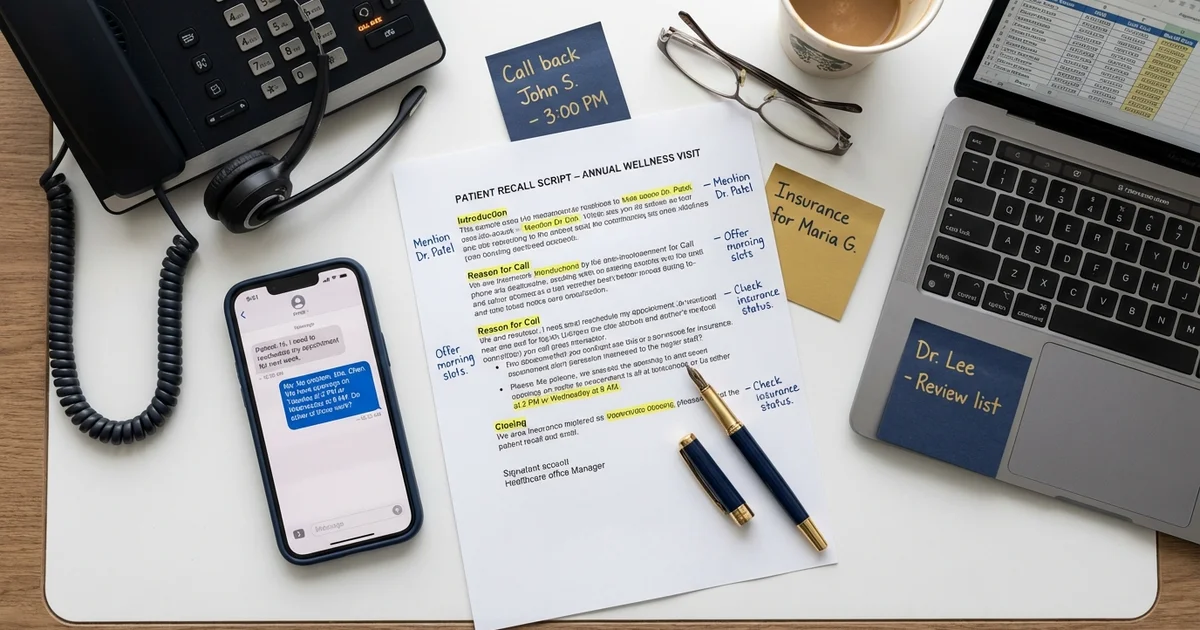
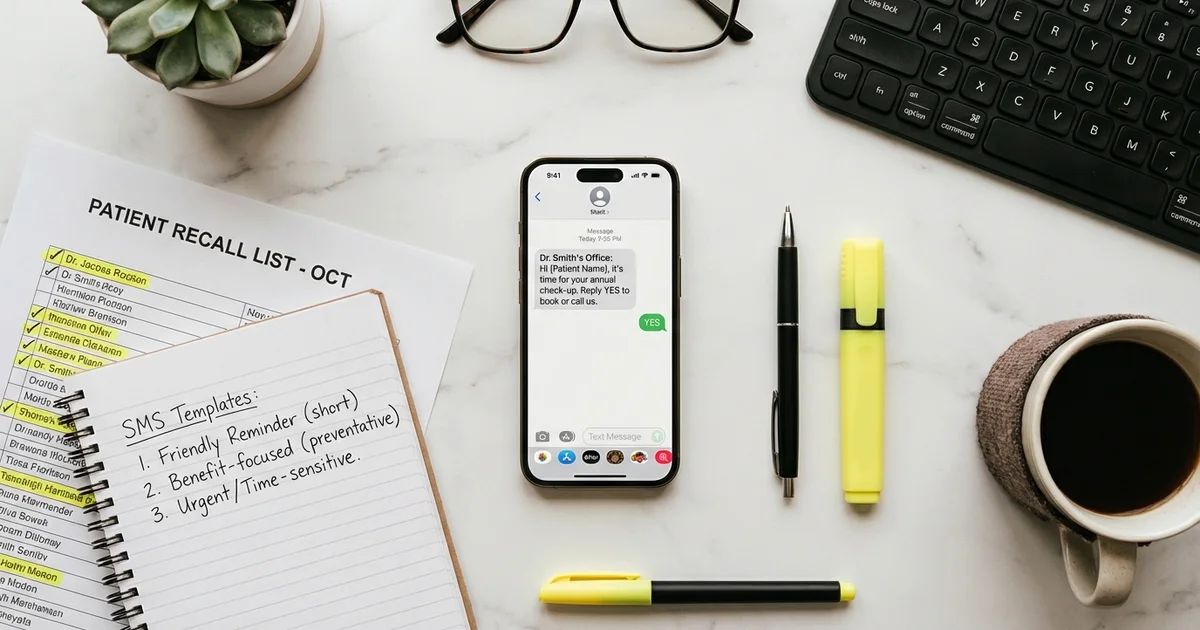
What you say matters as much as when and how you say it. The difference between a reminder that gets a confirmation and one that gets ignored often comes down to three things: personalization, clarity, and a clear call to action. Generic messages feel like spam. Personalized messages feel like the practice actually cares. For templates you can adapt to your practice, see our patient recall scripts collection and our reactivation text message templates.
Essential Elements
Every reminder should include:
- Patient first name (personalization)
- Date and time (in clear format)
- Provider name (if applicable)
- Location/address (especially for new patients)
- Clear call-to-action (confirm, reschedule, cancel)
Content by Reminder Stage
3-day reminder:
SMS Template
Hi [Name], this is a reminder of your appointment at [Practice Name] on [Day], [Date] at [Time] with Dr. [Provider].
Please arrive 15 minutes early. Bring your insurance card and ID.
Reply C to confirm, R to reschedule, or call [phone] with questions.
1-day reminder:
SMS Template
[Name], your appointment at [Practice Name] is tomorrow, [Date] at [Time].
Reply C to confirm or R if you need to reschedule.
Day-of reminder:
SMS Template
Hi [Name], this is a reminder that your appointment is today at [Time]. We're located at [Address]. See you soon! - [Practice Name]
What Should You Avoid?
Too much information:
Avoid This
"Your appointment is scheduled for January 15, 2026 at 2:30 PM EST at our Main Street location (123 Main Street, Suite 400, Building B, third floor, parking in rear lot with validation at front desk) with Dr. Johnson for your annual comprehensive examination which will include..."
Keep it scannable. Put details in email or patient portal.
Too impersonal:
Avoid This
"APPOINTMENT REMINDER: JAN 15 230PM MAIN OFFICE"
Use first name, conversational tone.
No action option:
Avoid This
"Your appointment is Tuesday. Call us if you need anything."
Provide specific reply options (C/R) or clickable links.
Why Are Confirmation Requests the Missing Step?
Many practices send reminders but do not request confirmation. This is a significant missed opportunity. A reminder without a confirmation request is a one-way broadcast. You have no idea whether the patient saw it, plans to attend, or has already forgotten again by the time they put their phone down.
Confirmation requests transform reminders from passive notifications into active engagement tools. When a patient replies “C” to confirm, you now know that slot is filled. When they do not reply, you have a signal to act on. The practice can make an outbound call, offer the slot to a waitlisted patient, or flag the appointment for follow-up. Without confirmation data, the front desk is guessing until the patient either walks in or does not.
Confirmation Best Practices
Reply codes:
- Keep it simple: C to confirm, R to reschedule
- Alternative: Y for yes, N for no
- Avoid complex codes that confuse patients
Follow-up on unconfirmed:
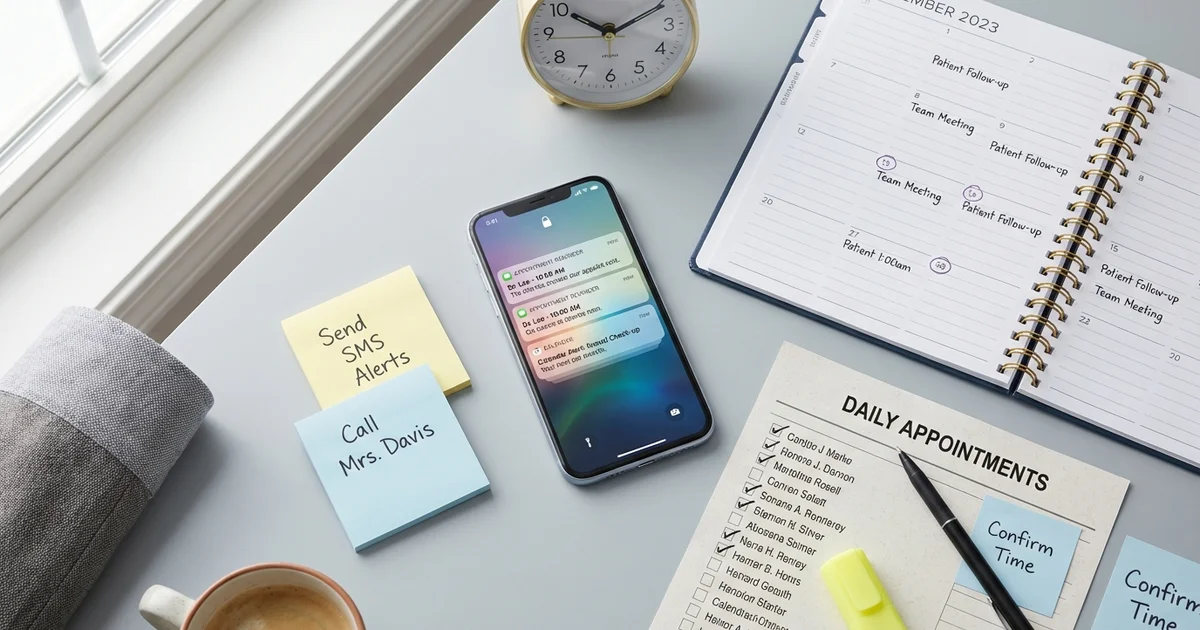
- No response to 1-day reminder → Phone call same day
- Still unconfirmed morning of → Second text or call
- Track confirmation rates to identify at-risk demographics
Confirmation rate benchmarks:
| Rate | Status | Action |
|---|---|---|
| 70%+ | Good | Continue current approach |
| 50-70% | Needs work | Test different messaging/timing |
| <50% | Problem | Review channel mix, add phone follow-up |
What Are the HIPAA Compliance Essentials?
Appointment reminders in healthcare are not optional compliance territory. Any practice sending reminders through SMS, email, or automated phone systems must operate within HIPAA guidelines. The good news is that appointment reminders are explicitly permitted under HIPAA as part of treatment communications, so you do not need a separate authorization. But the content of your messages is tightly regulated.
You can include the patient’s name, date and time of the appointment, location and address, provider name, and general instructions like “bring your insurance card.” Practice contact information is also permitted.
What you cannot include in unencrypted channels like standard SMS or email is any clinical information: specific diagnoses or conditions, test results, treatment details, or detailed medical information. Keep reminders focused on logistics, not clinical content.
On the consent side, best practice is to obtain written consent during patient registration that covers your reminder communication channels. Every message must include an opt-out mechanism. Document each patient’s channel preferences in their record, and confirm that any platform you use has signed a Business Associate Agreement with your practice. This applies equally to standalone reminder platforms and features built into your practice management system.
Sample consent language:
Consent Template
"I consent to receive appointment reminders and health-related communications from [Practice Name] via text message, email, and/or phone. I understand I can opt out at any time by texting STOP or calling [phone]."
When Is the Best Time of Day to Send Reminders?
When you send during the day affects response:
Optimal send times:
| Time | Effectiveness | Best For |
|---|---|---|
| 9-10 AM | High | 1-day and same-day reminders |
| 12-1 PM | Medium | Less urgent reminders |
| 5-7 PM | High | 3-day and confirmation requests |
Times to avoid:
- Before 8 AM (intrusive)
- After 9 PM (intrusive)
- During typical meeting hours (2-4 PM weekdays)
Day-of-week considerations:
- Monday: Higher no-show risk, extra reminder helpful
- Friday: Patients may be distracted, earlier send time
- Weekend: Only if appointment is Monday
How Should You Approach Technology and Automation?
Manual reminders do not scale beyond a handful of daily appointments. Once a practice reaches 30 or more appointments per day, having staff manually call or text patients becomes unsustainable. The time required crowds out other front desk responsibilities like checking patients in, answering incoming calls, and handling insurance questions. Automation is not a luxury at that point. It is a prerequisite for consistent execution.
When evaluating reminder platforms, look for these capabilities: EHR and practice management system integration so appointment data flows automatically, multi-channel delivery across SMS, email, and voice, two-way messaging that lets patients confirm or reschedule directly, automated workflows with configurable timing rules, confirmation tracking and reporting dashboards, and HIPAA compliance with a signed Business Associate Agreement.
Automation workflow example:
How Do You Measure Reminder Effectiveness?
You cannot improve what you do not measure. The most common mistake practices make with reminder systems is setting them up and never revisiting the configuration. Patient behavior changes, contact information goes stale, and what worked six months ago may not work today. Track these metrics to optimize your system:
| Metric | Target | How to Calculate |
|---|---|---|
| Delivery rate | 95%+ | Delivered / Sent |
| Confirmation rate | 70%+ | Confirmed / Reminders sent |
| No-show rate | <10% | No-shows / Scheduled |
| Opt-out rate | <2% | Opt-outs / Active patients |
| Same-day cancellation rate | <5% | Same-day cancels / Scheduled |
A/B testing opportunities:
- Timing (3-day vs. 2-day first reminder)
- Message length (brief vs. detailed)
- Call-to-action format (reply codes vs. links)
- Sender ID (practice name vs. provider name)
What Should Multi-Location Groups Consider?
For healthcare groups operating multiple sites, reminder systems become both more important and more complex. Inconsistent reminder practices across locations create uneven patient experiences, make it harder to benchmark no-show reduction performance, and complicate compliance oversight.
Standardize the elements that should be consistent everywhere: core reminder cadence and timing rules, compliance language and opt-out mechanisms, confirmation request formats, and escalation protocols for unconfirmed appointments. These are the guardrails that ensure every patient gets a reliable experience regardless of which location they visit.
Localize the elements that need to vary by site: practice name and location details, phone numbers and addresses, provider names, and location-specific instructions like parking, entrance, or check-in procedures. This combination of standardized process with localized details delivers both consistency and relevance.
Central management of the reminder system also provides operational advantages. Leadership gets aggregated confirmation and no-show reporting across all locations, making it possible to benchmark performance and identify outliers. Best practices from top-performing locations can be shared across the network. And compliance oversight is unified rather than fragmented across individual practice managers.
Key Takeaways
Effective appointment reminders balance persistence with respect for patient preferences:
- 64% of patients prefer text. Make SMS your primary channel
- Use the 3-1-0 cadence: 3 days, 1 day, and same-day reminders
- Always request confirmation and follow up on unconfirmed appointments
- Personalize content with patient name, provider, and specific details
- Include clear CTAs (reply C to confirm, R to reschedule)
- Track confirmation rates. Target 70%+ for healthy reminder engagement
- Automate through EHR-integrated platforms for consistency at scale
The goal is not to send more reminders. It is to send the right reminders at the right time through the right channel. Patients who feel informed rather than nagged show up more often and stay with your practice longer. A well-tuned reminder system pays for itself within weeks and compounds its impact every month as patient habits shift toward reliable attendance.
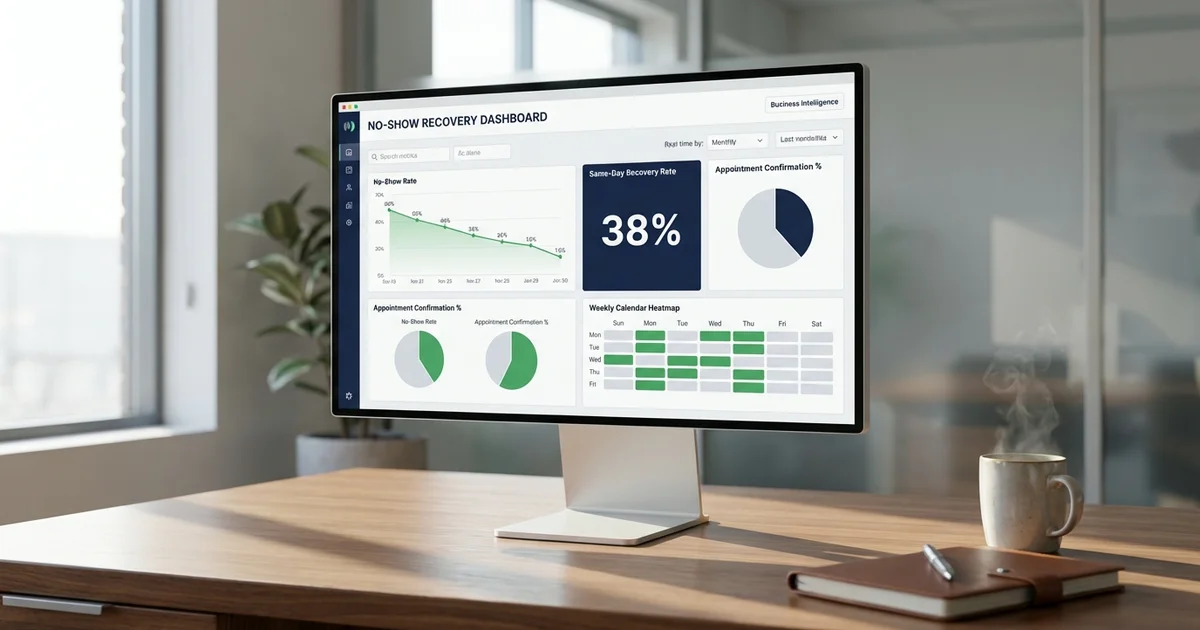
For strategies to recover when reminders fail and no-shows still occur, see our no-show recovery program guide, or have a managed no-show recovery team chase every missed appointment for you. And for the broader picture of how reminders fit into a complete patient recall workflow, start with our front desk recall guide.
Related Reading
Every missed call costs your practice revenue. Talk to our team about how MyBCAT helps healthcare practices answer every call and keep schedules full.
Sources
- Dialog Health: Automate Healthcare with Text Appointment Reminders
- Inphonite: Best Practices for Automated Appointment Reminders
- Klara: How to Effectively Text Appointment Reminders
- Healthie: Benefits of Patient Appointment Reminder Software
- MGMA: Texting for Appointment Reminder Success
- HHS: Are Appointment Reminders Allowed Under HIPAA Without Authorization?