

DSO groups with above-average no-show rates lose $240,000 or more per location annually. Even at the industry benchmark of 7.4%, annual losses reach $110,000 per location. Yet the best automated patient recall systems send fewer reminders, not more. In 2026, top performers achieve under 8% no-show rates because their automation catches checkout failures same-day, not six months later when patients have already disengaged. Below, you’ll find the true cost of no-shows by location, the reasons your recall rate varies wildly across your network, and the framework top-performing groups use to standardize results. (Jump directly to the revenue loss calculator if you need numbers for your PE sponsor.)
What You’ll Learn
- What Does a Patient No-Show Actually Cost Per Location?
- Why Do No-Show Rates Vary So Wildly Across Locations?
- What’s the Difference Between Reminder Systems and True Recall Automation?
- Why the Best Automated Patient Recall System Sends Fewer Messages
- How Does an Automated Patient Recall System Work in 2026?
- What 5 Capabilities Define 2026-Era Recall Automation?
- How Do You Calculate No-Show Revenue Loss by Location?
- What Do DSO Case Studies Reveal About Recall Automation ROI?
- When Should You Fix Checkout Before Adding More Automation?
- How Do Top-Performing Groups Achieve 85%+ Recall Rates?
- 4 Steps to Standardize Recall Automation Across Multiple Locations
What Does a Patient No-Show Actually Cost Per Location?
The 2025 Dental Industry Outlook reports an average unnotified no-show rate of 7.4% across practices. Top performers maintain rates around 1%. That gap drives significant revenue variance. Each no-show costs between $150 and $300 in lost chair time, depending on your procedure mix and provider compensation model. A location running 30 appointments daily at a 7.4% no-show rate loses roughly 2.2 chairs per day.
Math compounds quickly. At $200 average production per appointment, 2.2 daily no-shows cost $440. Multiply by 250 working days to reach $110,000 in annual lost production per location. Groups running at higher no-show rates of 15% to 23%, as reported by PMC research, see losses exceeding $240,000 annually per location.
Visible chair-time loss understates the true impact. Staff spend 15 to 20 minutes per no-show attempting to reach patients and fill gaps. Provider idle time disrupts scheduling flow. Most critically, patients who no-show once become significantly more likely to disengage from the practice entirely, often failing to return for future care. Each no-show represents lost revenue today and reduced lifetime value going forward. For multi-location healthcare groups tracking missed call costs, the no-show equation often rivals or exceeds phone abandonment losses.
Why Do No-Show Rates Vary So Wildly Across Locations?
Your locations run on the same PMS. They share the same brand. Yet Location 1 holds an 8% no-show rate while Location 7 struggles at 18%. The variation reflects a systems problem, not a patient problem.
Root causes typically trace to checkout pre-scheduling discipline. DSO operational benchmarks indicate that practices with 90% or higher pre-scheduling rates at checkout report no-show rates under 8%. Practices where checkout scheduling hovers around 50% see no-show rates climb into double digits. The correlation runs direct: every patient who leaves without a booked appointment enters your recall queue, where conversion rates drop dramatically with each passing week.
Front desk turnover exacerbates the inconsistency. DentalPost’s 2024 Salary Survey found a 29.7% annual turnover rate in front-office roles, with 28% of current staff planning to change jobs within the year. Each new hire requires months to learn checkout protocols. During that ramp period, pre-scheduling rates drop. High-turnover locations enter a cycle where unstable staffing produces inconsistent checkout execution, which inflates recall queues, which increases outreach burden on already-stretched staff.
Multi-location groups face an additional challenge: acquisition integration. Newly acquired practices often run different PMS platforms, different reminder workflows, and different checkout expectations. Without centralized standards, each location develops its own approach, creating the variation you see in your monthly reports. The centralized vs. decentralized scheduling debate directly affects how consistently these protocols execute across your network.
What’s the Difference Between Reminder Systems and True Recall Automation?
Most content about patient recall conflates two distinct systems. Understanding the difference proves essential before evaluating solutions.
Reminder systems handle appointments that already exist in your schedule. When a patient books their hygiene appointment at checkout for six months out, the reminder system sends confirmation texts at 7 days, 3 days, and 24 hours before the visit. The system handles transactional communication for scheduled appointments.
Recall automation handles patients who lack scheduled appointments. Patients who left without booking, cancelled without rescheduling, or fell off your recare radar. Recall automation attempts to re-engage these patients and convert them back into scheduled appointments.
This distinction matters because many groups purchase “automated recall” expecting it to solve their no-show problem, only to find they’ve purchased more aggressive reminder sequencing. Reminder optimization helps, but operates downstream of the core issue. If, say, 40% of your patients leave without scheduled appointments, no amount of reminder sophistication will recover that volume.
True recall automation in 2026 operates across the full patient lifecycle. It identifies checkout failures in real-time. It triggers same-day follow-up when patients leave unscheduled. It segments outreach based on no-show history and engagement patterns. It escalates from automated to human outreach based on patient value and risk, a fundamentally different capability than sending more reminder texts.
Why the Best Automated Patient Recall System Sends Fewer Messages
The counterintuitive insight separating high-performing DSOs from the rest: the best automated patient recall system rarely gets used.
Top-performing groups don’t achieve 85%+ recall rates through more sophisticated outreach. They achieve those rates by fixing the upstream problem: checkout pre-scheduling discipline. When 90% of patients leave with their next appointment booked, your recall system only handles the 10% exception. When only 50% leave scheduled, your recall system must chase the other 50%. No automation achieves the same conversion rates as booking at the point of care.
Data supports this hierarchy. Practices with strong checkout scheduling report under 8% no-show rates. Practices relying primarily on recall outreach report 15% or higher no-show rates, despite often sending more messages per patient. The lesson: automation cannot compensate for broken checkout workflows. It can only salvage the patients your process failed to capture.
Reframe how you evaluate recall technology. Instead of asking “how many channels does it support?” or “how customizable are the message templates?”, ask: “does this system detect checkout failures in real-time and intervene same-day?” That capability, catching patients before they enter the recall queue, delivers far more value than chasing them six months later.
How Does an Automated Patient Recall System Work in 2026?
The 2026 generation of automated patient recall systems operates on behavior-triggered workflows rather than time-triggered blasts. The difference proves substantial.
Legacy recall automation works on calendar intervals. When a patient’s last visit occurred 5.5 months ago, the system triggers a “time for your recare visit” message. The approach treats all patients identically regardless of their engagement history, risk profile, or communication preferences.
Modern systems layer intelligence onto the workflow. They integrate with your PMS to detect when a checkout occurs without a future appointment booked. Within hours, not months, they trigger a same-day follow-up through the patient’s preferred channel. If the patient responds, great. If not, the system escalates to alternative channels and eventually to human outreach based on the patient’s calculated value.
Risk stratification represents another 2026 capability. A first-time patient who misses one appointment needs different handling than a chronic no-show with three missed visits in the past year. Modern systems assign risk scores based on historical behavior and adjust outreach intensity accordingly. High-value patients with no-show history may receive a phone call from staff rather than another automated text.
The AI medical scheduling market reached $200 million in 2025, growing at 28% annually according to Grand View Research, reflecting rapid adoption of intelligent capabilities. For groups evaluating whether their patient communication strategies keep pace with industry evolution, the behavior-triggered versus time-triggered distinction marks the key differentiator.
What 5 Capabilities Define 2026-Era Recall Automation?
When evaluating an automated patient recall system in 2026, five capabilities separate modern solutions from legacy approaches:
Real-time checkout failure detection. The system monitors your PMS for appointments that end without a future visit scheduled. It triggers intervention within hours, not weeks. Addressing the upstream problem rather than chasing patients months later.
Behavior-based segmentation. Patients receive outreach tailored to their engagement history. First-time patients get different messaging than chronic no-shows. High-value patients receive more persistent follow-up. The system learns from response patterns and adjusts accordingly.
Intelligent channel orchestration. Rather than blasting the same message across text, email, and voice simultaneously, the system sequences channels based on patient preference and response history. If a patient consistently ignores texts but answers calls, the system adapts.
Human escalation triggers. Automation handles the volume. Some patients require human touch. Modern systems identify when to escalate from automated outreach to staff intervention based on patient value, risk score, and non-response patterns.
Location-level analytics. For multi-location groups, the dashboard must show recall performance by location, by provider, and by time period. This visibility enables operations leaders to identify which locations need process intervention versus which simply need more automation capacity.
With these capabilities in mind, you can now quantify what’s at stake for each of your locations.
How Do You Calculate No-Show Revenue Loss by Location?
Presenting a business case to PE sponsors or ownership requires specific numbers, not industry averages. Use this formula to calculate your location-specific no-show cost:
No-Show Revenue Loss Calculator
- Step 1: Daily Appointments x No-Show Rate = Daily No-Shows
- Step 2: Daily No-Shows x Average Production per Appointment = Daily Lost Revenue
- Step 3: Daily Lost Revenue x 250 Working Days = Annual No-Show Loss
Example: 30 appointments x 12% no-show = 3.6 daily no-shows x $200 = $720 x 250 = $180,000 annual loss
Beyond direct chair-time loss, factor in staff time costs. At an average of 15 minutes per no-show for outreach attempts and gap-filling, a location with 3.6 daily no-shows spends nearly an hour of staff time daily on no-show management. At $25 per hour loaded cost, that adds $6,250 annually in labor costs alone.
For hygiene appointments specifically, the calculation should include downstream production impact. A missed hygiene visit often means a missed opportunity to identify treatment needs. Groups tracking comprehensive production metrics typically assign a 1.5x multiplier to hygiene no-shows to account for lost treatment identification.
Use this EBITDA impact calculator framework to build your full business case, incorporating both direct revenue loss and operational cost impact.
What Do DSO Case Studies Reveal About Recall Automation ROI?
Three case studies from recent industry data illustrate the ROI range for automated recall investments:
45-Clinic National DSO: After implementing AI-unified patient engagement across all locations, the group reported a 25% reduction in abandoned treatment plans and an 18% increase in case acceptance. Real-time checkout failure detection drove the results, not more aggressive recall messaging. Leadership dashboards enabled standardization across previously inconsistent locations.
90-Day Text Reactivation Campaign: A regional dental group ran a focused 90-day campaign targeting patients 6 to 18 months overdue for hygiene. The automated text sequence generated 59 reactivations at a campaign cost under $500, delivering 140x ROI on the software investment alone. The group noted that improving checkout pre-scheduling reduced the dormant patient pool by 40% within six months.
Hybrid Human-AI Model: A multi-specialty group tested pure automation against a hybrid approach where AI handled initial outreach and human staff followed up on non-responders. The hybrid model achieved 19% reactivation rates versus 15% for automation-only. For the 950 patients reactivated over 12 months, the incremental 4% represented $2.85 million in recovered production. The lesson: automation scales the volume, human touch closes the gap.
For operations leaders building their healthcare acquisition integration playbooks, these case studies suggest that recall automation ROI depends heavily on baseline pre-scheduling rates. Groups with strong checkout discipline see smaller but still positive returns from recall automation. Groups with weak checkout discipline see dramatic returns initially, with diminishing returns as they fix the upstream process.
When Should You Fix Checkout Before Adding More Automation?
The checkout-before-recall hierarchy determines where your investment should focus. Use this assessment framework:
Fix Checkout First if your pre-scheduling rate is below 75%, no-show rate is above 12%, or location variance is more than 5 points spread. Standardize checkout protocols before investing in recall automation.
Ready for Recall Automation if your pre-scheduling rate is above 85%, no-show rate is below 10%, and location variance is less than 3 points spread. Automation will optimize an already-strong process.
If your assessment lands in the “Fix Checkout First” category, the intervention sequence matters. Start by auditing checkout workflows at your lowest-performing locations. Identify whether the gap stems from training, staffing, or technology. Often, the issue boils down to checkout scheduling not being tracked or incentivized, so it gets deprioritized when the phone rings.
Implement same-day visibility into checkout pre-scheduling rates. When office managers can see their morning’s pre-scheduling percentage by noon, they can course-correct before the day ends. Real-time feedback loops, not more recall automation, typically drive the fastest improvement in no-show rates.
For groups in the “Ready for Automation” category, the focus shifts to edge case recovery. Your recall automation handles the 10 to 15% of patients who slip through strong checkout processes. The ROI calculation becomes straightforward: what percentage of these patients can automation recover, and at what cost per recovered appointment?
How Do Top-Performing Groups Achieve 85%+ Recall Rates?
When industry data suggests only 17% of patients maintain proper 6-month recare intervals at average practices, top performers achieving 85%+ recall rates stand apart. These groups share common operational patterns that extend beyond technology:
Checkout becomes non-negotiable. Front desk staff receive training, measurement, and incentives tied to pre-scheduling rates. The metric appears on daily dashboards alongside production and collection numbers. Locations below target receive immediate attention from regional managers.
Same-day intervention exists. When a patient leaves unscheduled, the response happens within hours. Whether through automated systems or end-of-day staff calls, these groups don’t let unscheduled patients enter a weeks-long recall queue.
Risk stratification guides resources. Not all patients warrant the same outreach intensity. High-value patients with concerning no-show patterns get phone calls. Lower-value patients with first-time misses get automated sequences. The system allocates human attention where it matters most.
Standardization gets enforced centrally. For multi-location groups addressing the staffing crisis, individual office autonomy around recall processes leads to the variance problem. Top performers enforce standardized workflows, messaging templates, and escalation triggers across all locations.
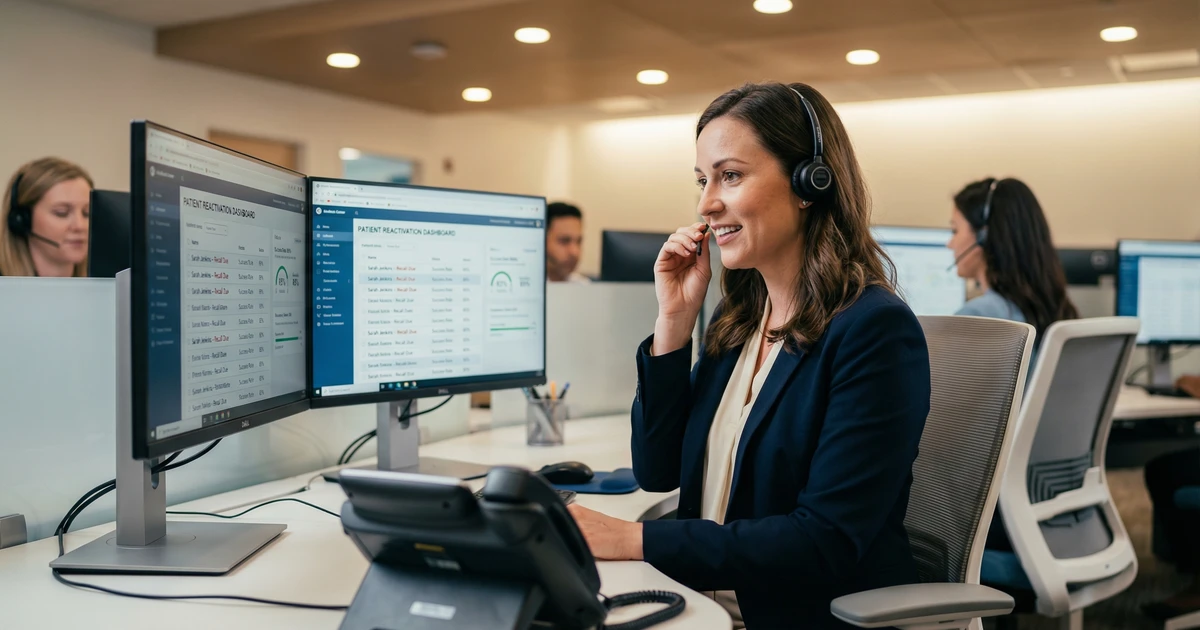
Technology integrates with process. The automated patient recall system connects to PMS data in real-time, not through nightly batch uploads. Staff see patient engagement history before calls. The system logs all outreach attempts for compliance and training purposes.
4 Steps to Standardize Recall Automation Across Multiple Locations
For DSO operations leaders ready to implement standardized recall automation, follow this four-step framework:
Step 1: Baseline your locations. Before implementing any automation, document current pre-scheduling rates, no-show rates, and recall conversion rates by location. Baseline data enables you to measure actual improvement and identify which locations need process fixes before technology helps.
Step 2: Standardize checkout protocols first. Create a documented checkout workflow that every location follows. Include scripts for pre-scheduling, objection handling for patients who resist booking, and escalation paths when patients refuse. Train all front desk staff and audit compliance weekly.
Step 3: Implement automation with location-level visibility. Roll out recall automation in phases, starting with locations that have already achieved strong checkout metrics. Configure the system to detect checkout failures in real-time and trigger same-day intervention. Ensure your dashboard shows performance by location, not just network-wide averages.
Step 4: Iterate based on data. After 90 days, analyze which locations improved, which stagnated, and why. Common issues include PMS integration gaps, staff workarounds that bypass the system, or messaging sequences that don’t resonate with specific patient populations. Adjust workflows based on location-level performance data.
For groups building patient reactivation campaigns, this standardization framework applies equally. The principle remains: fix upstream processes before scaling downstream automation.
Key Takeaways
- DSOs lose $110K-$240K per location annually to no-shows, with variation driven by checkout pre-scheduling discipline more than patient behavior
- The best automated patient recall systems send fewer messages because they fix the upstream problem: catching checkout failures same-day
- Reminder systems and recall automation serve different functions; reminder optimization cannot compensate for weak checkout protocols
- Five capabilities define 2026-era solutions: real-time checkout detection, behavior-based segmentation, intelligent channel orchestration, human escalation triggers, and location-level analytics
- Fix checkout before adding automation if pre-scheduling rates fall below 75%, no-show rates exceed 12%, or location variance exceeds 5 points
- Hybrid human-AI models outperform pure automation by 4 percentage points in reactivation rates, translating to millions in recovered production for larger groups
- Standardization across locations requires baselining, protocol enforcement, phased rollout, and data-driven iteration
Need help reducing no-shows across your locations? Schedule a consultation to learn how MyBCAT’s automated recall systems standardize results across multi-location healthcare groups.
Related Reading
- Reactivation Campaigns That Win Back Dormant Patients
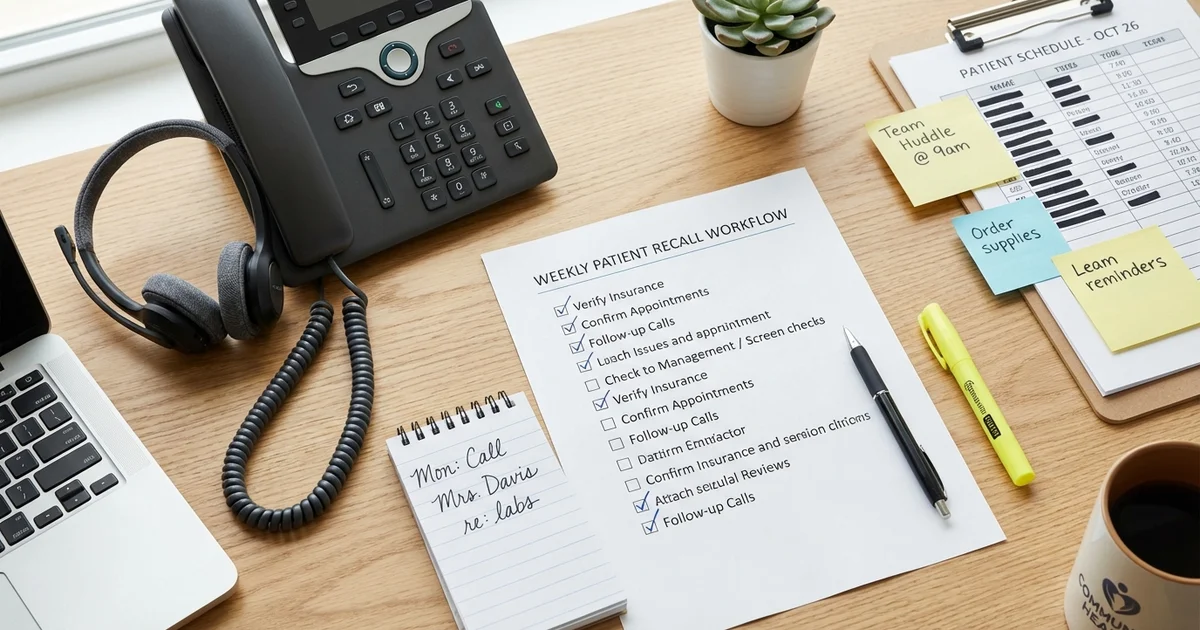
- Front Desk Recall Workflow: A Simple Weekly Routine That Works
- Reactivation Without Discounts: Scripts and Offers That Work
Sources
-
PMC/PubMed Central. “Predictors of No-Show Appointments in Healthcare Settings.” https://pmc.ncbi.nlm.nih.gov/articles/PMC12611380/
-
Business Wire. “2025 Dental Industry Outlook: 60% of Practices Report Same-Store Growth.” https://www.businesswire.com/news/home/20250313922618/en/2025-Dental-Industry-Outlook
-
DentalPost. “2024 Dental Salary Survey: Front Office Turnover Trends.” https://www.dentalpost.net/blog/what-the-latest-salary-survey-tells-us-about-dental-team-turnover/
-
Dental Tribune. “Study: Automated Reminders Reduced No-Shows by 22.95%.” https://us.dental-tribune.com/news/study-reveals-how-automated-patient-appointment-reminders-affect-dental-practice-no-show-rates-and-production/
-
Grand View Research. “AI Medical Scheduling Software Market Report 2025.” https://www.grandviewresearch.com/industry-analysis/ai-medical-scheduling-software-market-report