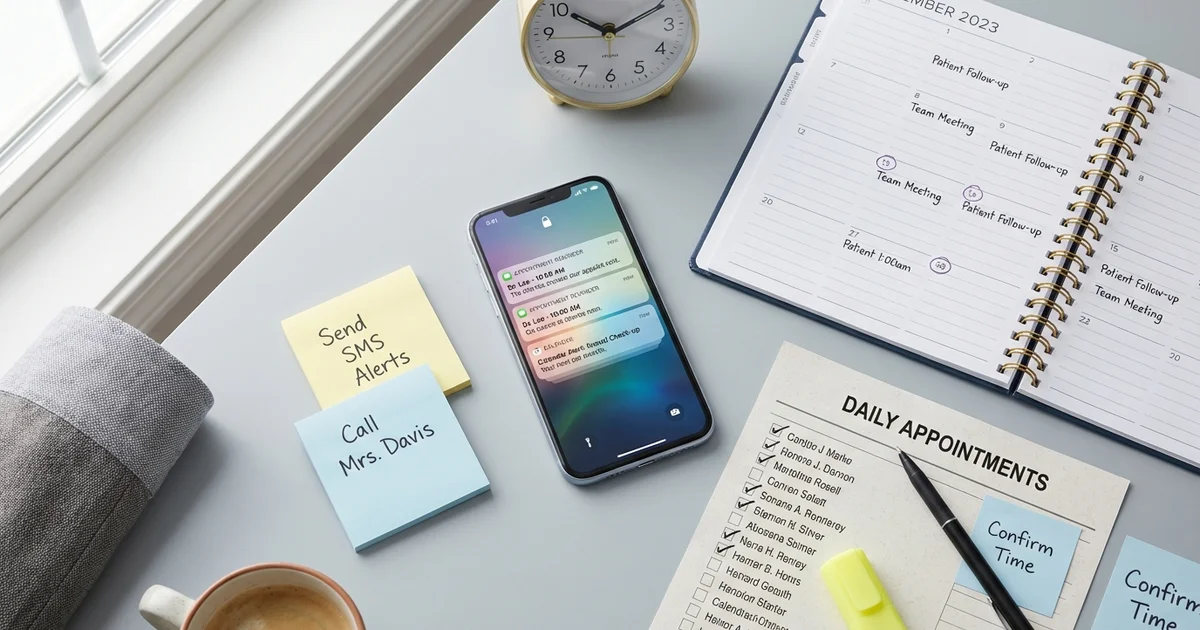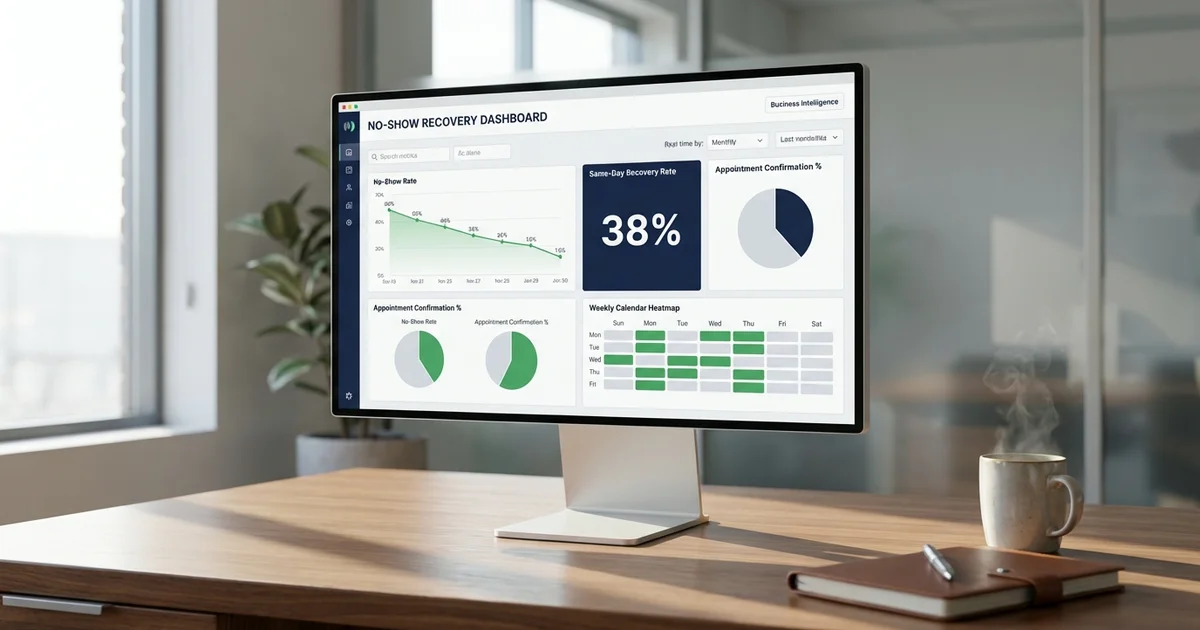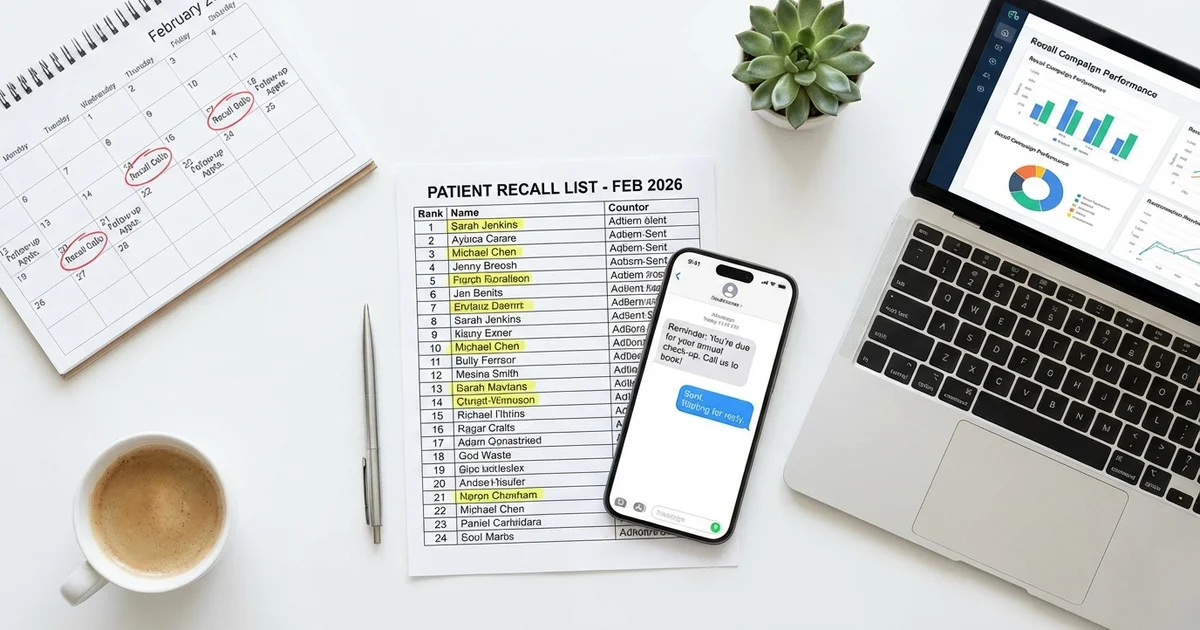

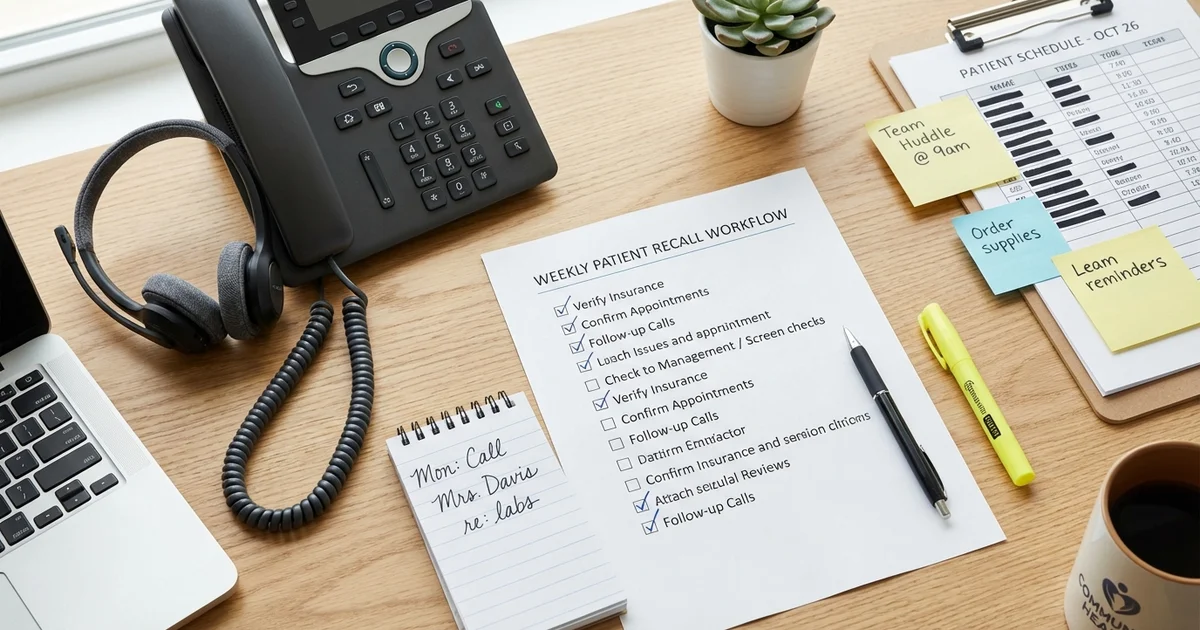
The front desk is where recall programs succeed or fail. A practice can have the best software, the most compelling messages, and the most motivated leadership, but if the front desk team does not execute consistently, recall rates plateau. This workflow operationalizes the broader patient recall campaign framework into daily and weekly routines. This guide provides a practical weekly workflow with daily checklists, time blocks, and scripts that front desk staff can follow to achieve 70%+ recall rates without heroic effort.
Table of Contents
- Why Does Workflow Matter More Than Tools?
- What Does the Weekly Recall Workflow Look Like?
- What Daily Micro-Tasks Keep Recall on Track?
- Why Is Pre-Scheduling the Most Effective Recall Tactic?
- What Metrics Should You Track?
- How Do You Standardize Workflow Across Multiple Locations?
- How Do You Fix Common Workflow Breakdowns?
Why Does Workflow Matter More Than Tools?
Many practices invest in recall software but see disappointing results. The problem is rarely the technology:
Common failure modes: Software generates lists, but no one works them. Outreach happens inconsistently (busy days skipped). Non-responders fall through the cracks. No one tracks or measures results.
What consistent workflow delivers: 20-50% reduction in no-shows. 10-15% increase in hygiene/exam production. Predictable patient flow. Front desk staff confidence and competence.
What Does the Weekly Recall Workflow Look Like?
What Does the Weekly Overview Look Like?
| Day | Focus | Time Block |
|---|---|---|
| Monday | Planning + initial outreach | 30-60 min AM |
| Tuesday | Phone calls to non-responders | 60-90 min |
| Wednesday | Follow-up + no-show recovery | 45-60 min |
| Thursday | Phone calls continuation | 60-90 min |
| Friday | Week closeout + next week prep | 30-45 min |
Monday: Planning and Launch
Morning routine (30-60 minutes):
Step 1: Run recall reports (10 minutes) Pull list of patients due this week. Pull list of patients overdue (past due date). Sort by priority: high-value, insurance expiring, chronic conditions.
Step 2: Review and segment (10 minutes)
- Color-code or tag patients:
- Green: Has valid phone and email
- Yellow: Phone only or email only
- Red: No valid contact info (needs research)
Step 3: Launch automated outreach (10 minutes) Trigger SMS reminders to all due patients. Trigger email sequence to all due patients. Confirm messages are queued/sent.
Step 4: Document and assign (10 minutes) Note any special situations (patient preferences, previous issues). Assign phone call lists to team members. Set follow-up tasks in PM system.
Monday checklist: [ ] Ran recall report for due patients. [ ] Ran overdue patient report. [ ] Segmented by contact availability. [ ] Launched automated SMS/email. [ ] Assigned phone lists to team. [ ] Documented special patient notes.
Tuesday: Phone Outreach Day 1
Phone block (60-90 minutes, ideally 10am-12pm):
Prioritization order: High-value patients who have not responded to SMS/email. Patients with insurance benefits expiring soon. Patients with chronic conditions requiring regular care. Standard recall patients by due date.
Phone script template:
Phone Script
"Hi, this is [Your Name] from [Practice Name]. I'm calling for [Patient Name].
[If patient answers:]
Hi [Patient Name]! I'm calling because your [exam/cleaning/checkup] is coming due, and I wanted to help you get scheduled. Dr. [Provider] has availability [offer 2-3 specific times]. What works best for you?
[If voicemail:]
Hi [Patient Name], this is [Your Name] from [Practice Name]. I'm calling because your [exam/cleaning] is due, and we'd love to see you. Please call us back at [phone] to schedule. You can also text us or book online at [website]. Thanks!"
Call tracking: For each call, record: Date and time of attempt. Outcome: Booked / Left VM / No Answer / Wrong Number / Declined. Next action needed.
Tuesday checklist: [ ] Made calls to high-priority list. [ ] Logged all call outcomes. [ ] Scheduled appointments for responders. [ ] Left voicemails with callback info. [ ] Flagged wrong numbers for data cleanup.
Wednesday: Follow-Up and Recovery
Follow-up block (45-60 minutes):
Step 1: Process responses (15 minutes) Check for SMS replies from Monday outreach. Check for email click-throughs and form submissions. Book appointments from all responses.
Step 2: No-show recovery (20 minutes)
- Review yesterday’s no-shows
- Contact same-day via text:
SMS Template
Hi [Name], we missed you at your appointment today. Life happens! Reply YES to reschedule or call [phone]. - [Practice Name]
Step 3: Second-touch non-responders (15 minutes)
- Send follow-up SMS to Monday non-responders:
SMS Template
[Name], following up from [Practice Name]. Your [appointment type] is overdue. We have openings this week. Reply YES to schedule or call [phone]. Reply STOP to opt out.
Step 4: Waitlist management (10 minutes)
- Review waitlist for patients wanting earlier appointments
- Match any cancellations with waitlist patients
Wednesday checklist: [ ] Processed all SMS/email responses. [ ] Booked appointments from responses. [ ] Contacted yesterday’s no-shows. [ ] Sent second-touch SMS to non-responders. [ ] Checked waitlist for fill opportunities.
Thursday: Phone Outreach Day 2
Phone block (60-90 minutes):
Focus areas: Second attempt on Tuesday voicemails. Non-responders to all digital outreach. Overdue patients (past due date).
Second-call script:
Second-Call Script
"Hi [Patient Name], this is [Your Name] from [Practice Name] calling again. I left you a message earlier this week about scheduling your [exam/cleaning]. I have a few openings coming up, I can get you in [offer times]. Would any of those work for you?"
Handling objections:
“I’m too busy right now.”
Response Script
"I completely understand. Everyone's calendar is packed. What if we looked at times early morning or late in the day? We also have [Saturday hours if applicable]. The important thing is getting you in when it works for your schedule."
“I’ll call you back.”
Response Script
"Absolutely! Before I let you go, what day typically works best for you? I can send you a quick text reminder with available times for that day."
“I can’t afford it right now.”
Response Script
"I hear you. Let me check. Your insurance may cover your preventive visit at little to no cost. Would it help if I looked into that for you? We also have payment options if needed."
Thursday checklist: [ ] Made second-attempt calls. [ ] Called digital non-responders. [ ] Called overdue patients. [ ] Handled objections with scripts. [ ] Logged all outcomes. [ ] Escalated any issues to manager.
Friday: Week Closeout
Closeout block (30-45 minutes):
Step 1: Week performance review (15 minutes) Count total patients due this week. Count appointments booked. Calculate recall rate: Booked / Due × 100. Note any patterns or issues.
Step 2: Data cleanup (10 minutes) Update wrong phone numbers identified. Note patients who requested no further contact. Flag patients needing address verification.
Step 3: Next week preparation (15 minutes) Pull next week’s due list. Identify any high-priority patients. Note any special circumstances (benefits expiring, etc.). Prepare assignments for Monday.
Friday checklist: [ ] Calculated week’s recall rate. [ ] Updated contact data issues. [ ] Pulled next week’s recall list. [ ] Identified high-priority patients. [ ] Prepared Monday assignments. [ ] Reported results to manager.
What Daily Micro-Tasks Keep Recall on Track?
In addition to the dedicated blocks, these tasks happen throughout each day:
Every morning (5 minutes):
- Check for overnight SMS responses
- Review today’s schedule for confirmation status
- Identify any same-day openings
Between patients (ongoing):
- Respond to incoming SMS within 15 minutes
- Pre-schedule next appointments at checkout
- Update contact info when patients check in
End of day (5 minutes):
- Log any incomplete tasks for tomorrow
- Note any escalations needed
- Clear inbox of patient messages
Why Is Pre-Scheduling the Most Effective Recall Tactic?
The single most effective recall tactic happens at checkout, not in follow-up calls:
At every checkout:
Checkout Pre-Scheduling Script
"Dr. [Provider] wants to see you in [6 months / 1 year] for your next [exam/cleaning]. Let's get that scheduled now so you don't have to worry about it. I have availability in [Month]. What day of the week usually works best for you?"
Why pre-scheduling works:
- 80% of patients will accept a pre-scheduled appointment
- Reduces recall outreach volume by 60-80%
- Patients feel cared for, not chased
- Fills schedule predictably months ahead
What Metrics Should You Track?
Track these weekly to monitor workflow effectiveness:
| Metric | Target | How to Calculate |
|---|---|---|
| Recall rate | 70%+ | Appointments booked / Patients due |
| Pre-schedule rate | 80%+ | Pre-scheduled at checkout / Checkouts |
| Contact rate | 85%+ | Patients reached / Patients attempted |
| Response rate | 25%+ | Responses / Outreach messages |
| No-show rate | <10% | No-shows / Appointments scheduled |
Weekly tracking template:
| Week | Due | Booked | Recall % | Pre-Sched % | No-Shows |
|---|---|---|---|---|---|
| 1 | 120 | 84 | 70% | 75% | 8 |
| 2 | 115 | 89 | 77% | 80% | 6 |
| 3 | … | … | … | … | … |
How Do You Standardize Workflow Across Multiple Locations?
For practices with multiple locations:
Standardize:
- Weekly workflow structure and time blocks
- Scripts and messaging templates
- Tracking metrics and reporting
- Software configuration and triggers
Allow flexibility for:
- Staff scheduling around patient load
- Provider-specific appointment availability
- Local market preferences
Central oversight:
- Weekly recall rate reporting by location
- Identification of top and bottom performers
- Best practice sharing from high performers
- Training support for struggling locations
How Do You Fix Common Workflow Breakdowns?
“We’re too busy to make calls.”
- Fix: Protect dedicated time blocks on the schedule
- Fix: Reduce call volume through better pre-scheduling
“The list is too long to work through.”
- Fix: Prioritize by value and urgency
- Fix: Use automation for initial touches, save calls for follow-up
“Patients don’t answer the phone.”
- Fix: Lead with SMS, use phone for non-responders
- Fix: Call at optimal times (10am-12pm, 2pm-4pm)
“We don’t know who’s responsible.”
- Fix: Assign specific lists to specific people
- Fix: Track individual performance on call outcomes
“We start strong but trail off.”
- Fix: Manager reviews weekly metrics every Friday
- Fix: Make recall performance part of staff reviews
Key Takeaways
A consistent front desk recall workflow delivers better results than sporadic heroic efforts:
- Monday: Plan and launch automated outreach
- Tuesday/Thursday: Dedicated phone blocks (60-90 min each)
- Wednesday: Follow-up on responses and recover no-shows
- Friday: Close out the week and prepare the next
Essential habits:
- Pre-schedule at every checkout (80%+ target)
- Respond to patient messages within 15 minutes
- Track weekly metrics and review with manager
- Protect time blocks. Recall is not “when we have time”
The practices with the best recall rates are not the ones with the best software. They are the ones with the most consistent execution of a simple weekly workflow.
For scripts to use during recall calls, see our patient recall scripts guide. For strategies on recovering no-shows, review our no-show recovery program guide. Reactivating dormant patients is one of the highest-ROI investments a practice can make. Talk to our team about how MyBCAT combines call answering with patient recall to keep your schedule full.