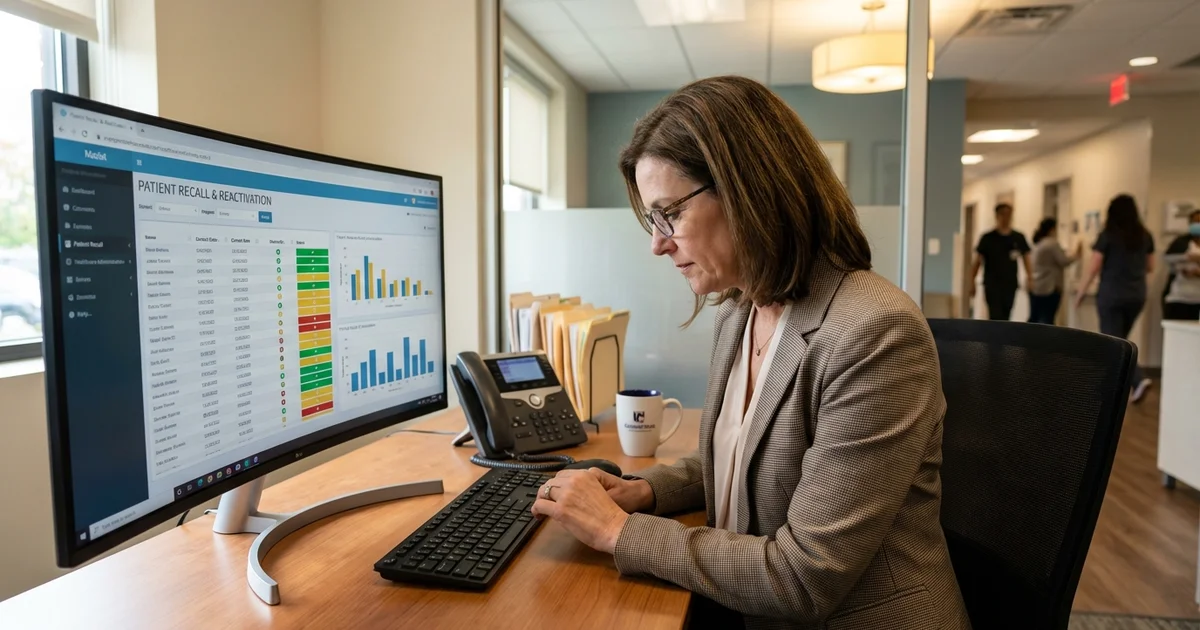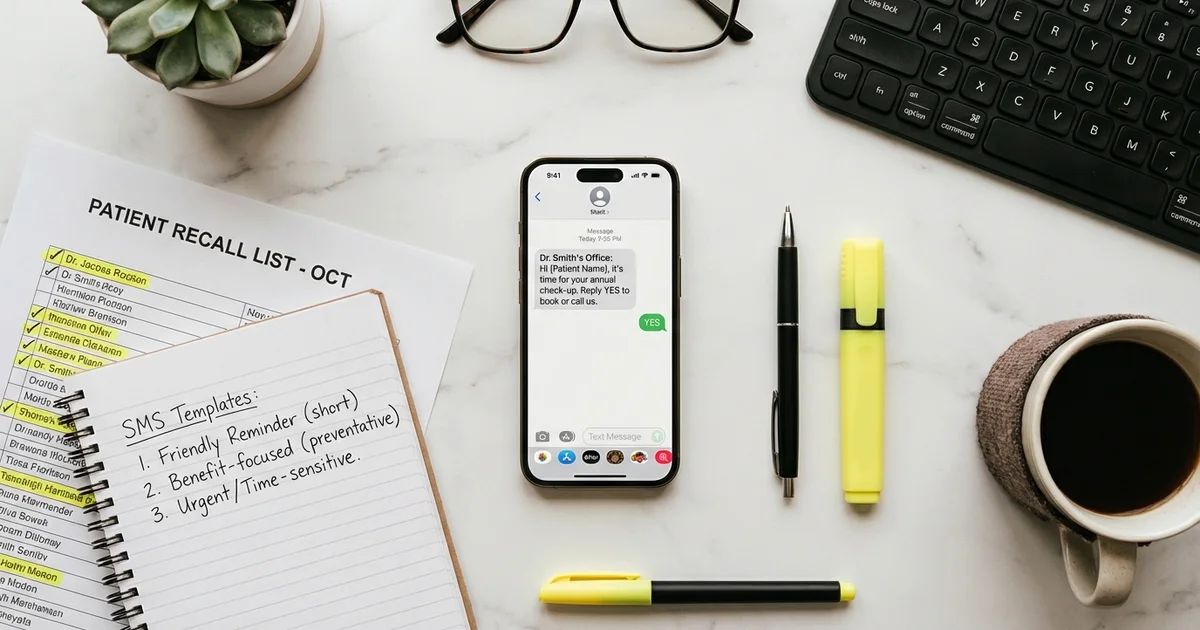

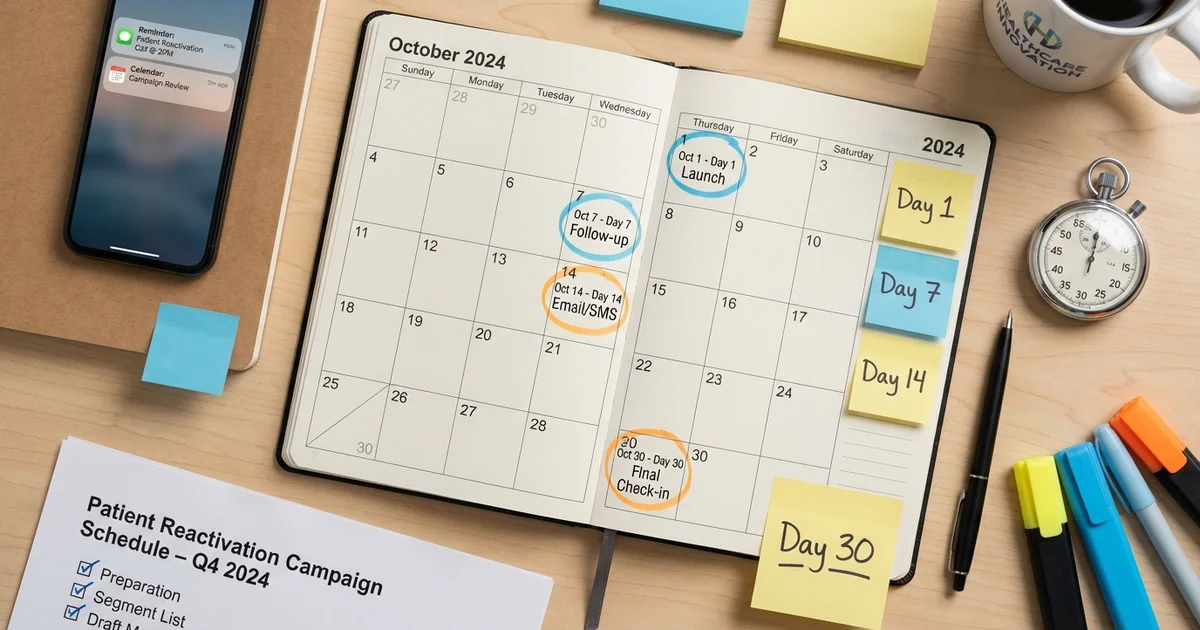
The difference between a 10% and 25% reactivation rate often comes down to timing and persistence. Send one message and stop. You will recover a fraction of what a structured multi-touch campaign delivers. For the strategic foundation behind these timelines, see our dormant patient reactivation playbook. This guide provides the day-by-day timeline for patient reactivation campaigns spanning 7 days to 90 days, with channel selection, escalation triggers, and benchmarks at each stage.
Table of Contents
- Why Does Campaign Duration Matter?
- What Is the 7-Day Sprint for Quick Wins?
- What Is the 30-Day Standard Campaign?
- What Is the 90-Day Comprehensive Campaign?
- When Should You Send Each Channel During the Day?
- What Triggers Should Escalate Patients to the Next Channel?
- How Should You Segment Within Campaigns?
- What Are the Multi-Location Considerations?
Why Does Campaign Duration Matter?
Research shows reactivation requires multiple touches across multiple channels:
Response by touch number:
| Touch | Cumulative Response | Notes |
|---|---|---|
| 1st touch | 8-12% | Initial responders |
| 2nd touch | 14-18% | Caught busy patients |
| 3rd touch | 18-22% | Persistence pays |
| 4th touch | 20-25% | Diminishing returns start |
| 5th+ touch | 22-28% | Reserved for high-value |
Why most campaigns fail: 62% of practices stop after one contact attempt. Single-channel campaigns miss 30-40% of reachable patients. No escalation strategy for non-responders. Lack of persistence on high-value dormant patients.
What Is the 7-Day Sprint for Quick Wins?
Use the 7-day sprint for recently dormant patients (6-12 months) or time-sensitive campaigns (benefit expiration, seasonal push).
7-Day Timeline
| Day | Channel | Action | Goal |
|---|---|---|---|
| 1 | SMS | Initial outreach with personalization | Contact and booking |
| 2 | N/A | Wait for responses | Process replies |
| 3 | Detailed follow-up with booking link | Catch email-preferred | |
| 4-5 | N/A | Process responses and bookings | Convert responders |
| 6 | SMS | Final reminder to non-responders | Last push |
| 7 | N/A | Campaign close for this sprint | Tally results |
7-day sprint messaging:
Day 1 SMS:
SMS Template
Hi [Name], this is [Practice Name]. Your [exam/cleaning] is overdue and we'd love to see you. We have openings this week! Reply YES to schedule or call [phone]. Reply STOP to opt out.
Day 3 Email: Subject: [Name], your appointment is overdue
Email Template
Hi [Name],
We noticed it's been a while since your last visit with Dr. [Provider]. Regular [checkups/cleanings/exams] help catch issues early and keep you healthy.
We have convenient openings this week:
[Booking link]
If you have questions or need to discuss anything before scheduling, just reply to this email or call us at [phone].
Looking forward to seeing you!
[Practice Name]
Day 6 SMS:
SMS Template
[Name], last reminder from [Practice Name]. Your [appointment type] is overdue. Reply YES to schedule before spots fill up, or call [phone]. Reply STOP to opt out.
7-day sprint benchmarks: Contact rate: 75-85%. Response rate: 15-20%. Booking rate: 10-15%. Best for: Recently dormant, high urgency.
What Is the 30-Day Standard Campaign?
The 30-day campaign is the workhorse for most reactivation efforts, providing enough touches to reach busy patients without campaign fatigue.
30-Day Timeline
| Day | Channel | Action | Target Segment |
|---|---|---|---|
| 1 | SMS | Initial personalized outreach | All dormant |
| 3 | Detailed message with booking link | All dormant | |
| 7 | SMS | Second reminder with urgency | Non-responders |
| 10 | N/A | Review responses, segment non-responders | N/A |
| 14 | Email/SMS | Value-focused message | Non-responders |
| 17 | N/A | Identify high-value non-responders | N/A |
| 21 | Phone | Personal calls to high-value | Top 20% by LTV |
| 24 | N/A | Process call results | N/A |
| 28 | Postcard | Direct mail to unreachables | No valid digital contact |
| 30 | N/A | Campaign close, final reporting | N/A |
What Is the 30-Day Detailed Script Sequence?
Day 1 SMS (All patients):
SMS Template
Hi [Name], it's [Practice Name]. Dr. [Provider] noticed your [exam/cleaning/checkup] is overdue. We have openings this week. Reply YES to schedule or call [phone]. Reply STOP to opt out.
Day 3 Email (All patients): Subject: [Name], Dr. [Provider] would like to see you
Include include personal greeting, specific appointment type due, why it matters (preventive benefits), one-click booking link, and practice contact info.
Day 7 SMS (Non-responders only):
SMS Template
[Name], following up from [Practice Name]. Your [appointment] is now [X months] overdue. We have openings. Reply YES or call [phone]. Reply STOP to opt out.
Day 14 Email/SMS (Non-responders):
SMS Template
Hi [Name], one more note from [Practice Name]. Your preventive care may be covered by insurance at no additional cost. Let's get you scheduled before [benefit year ends / spots fill]. Reply YES or click here: [link]
Day 21 Phone Script (High-value non-responders):
Phone Script
"Hi [Name], this is [Caller] from [Practice Name]. Dr. [Provider] asked me to personally reach out because we noticed you're overdue for your [appointment type].
Is there anything that's been keeping you from coming in? [Listen]
I'd love to get you scheduled. I have [specific times] available this week. What works best for you?"
Day 28 Postcard (Unreachables): Eye-catching design with practice branding. Clear “We miss you!” message. Phone number and QR code to online scheduling. Reminder of services/benefits.
30-day campaign benchmarks: Overall contact rate: 85-90%. Response rate: 20-28%. Booking rate: 15-22%. Reactivation rate: 15-20%. Best for: Standard quarterly campaigns.
What Is the 90-Day Comprehensive Campaign?
The 90-day campaign maximizes reactivation from a dormant list through sustained, strategic outreach with multiple escalation tiers.
What Is the 90-Day Phase Structure?
Phase 1: Weeks 1-2 (Preparation) Segment dormant patients by dormancy duration, value, demographics. Clean contact data (verify phones, emails). Prepare messaging templates. Set up tracking and reporting.
Phase 2: Weeks 3-4 (High-Priority Outreach) Target recently dormant (12-18 months). Target high-value patients ($2,000+ LTV). Multi-channel digital outreach. Begin phone outreach for top tier.
Phase 3: Weeks 5-8 (Expand and Persist) Extend to longer-dormant patients. Increase phone outreach for non-responders. Deploy direct mail. Mid-campaign optimization based on results.
Phase 4: Weeks 9-12 (Final Push and Analysis)
- Final outreach attempts
- Focus resources on remaining high-value
- Campaign close and reporting
- Transition recovered patients to ongoing retention
What Does the 90-Day Detailed Timeline Look Like?
| Week | Days | Focus | Channels | Target |
|---|---|---|---|---|
| 1 | 1-7 | Data prep, segmentation | N/A | Setup |
| 2 | 8-14 | Template prep, testing | N/A | Setup |
| 3 | 15-21 | Launch: recently dormant | SMS, Email | High priority |
| 4 | 22-28 | Launch: high-value | SMS, Email, Phone | High priority |
| 5 | 29-35 | Expand: medium dormant | SMS, Email | All dormant |
| 6 | 36-42 | Phone push: non-responders | Phone | Non-responders |
| 7 | 43-49 | Direct mail: unreachables | Postcard | No digital |
| 8 | 50-56 | Mid-campaign optimization | All | Refine |
| 9 | 57-63 | Final digital push | SMS, Email | Non-responders |
| 10 | 64-70 | Final phone push | Phone | High-value only |
| 11 | 71-77 | Closeout outreach | SMS | Last chance |
| 12 | 78-90 | Reporting, transition | N/A | Analysis |
What Does the 90-Day Weekly Checklist Include?
Week 3 (Campaign Launch):
- Send initial SMS to all recently dormant patients
- Send email follow-up 48 hours later
- Track delivery and response rates daily
- Process and book responding patients
- Segment non-responders for week 4
Week 4-5 (Expansion):
- Continue SMS/email to new segments
- Begin phone calls to high-value non-responders
- Send second touch to week 3 non-responders
- Review initial booking and show rates
- Adjust messaging based on early results
Week 6-8 (Intensive Outreach):
- Phone calls to all viable non-responders
- Deploy postcards to unreachable patients
- Third SMS touch to digital non-responders
- Weekly KPI review and optimization
- Escalate underperforming segments
Week 9-12 (Final Push):
- Final “last chance” messaging
- Focus remaining resources on highest-value
- Complete all phone attempts
- Close campaign and compile results
- Transition reactivated to retention program
90-day campaign benchmarks:
- Overall contact rate: 90-95%
- Response rate: 25-35%
- Booking rate: 22-32%
- Reactivation rate: 20-30%
- Best for: Annual database cleanout, major initiatives
When Should You Send Each Channel During the Day?
When you send affects response:
SMS optimal times:
- 10am-12pm: Morning check-in
- 6pm-8pm: Evening availability (highest response)
Email optimal times:
- Tuesday-Thursday, 9am-11am
- Avoid Monday mornings and Friday afternoons
Phone call optimal times:
- Tuesday-Thursday, 10am-12pm or 2pm-4pm
- Avoid lunch hours and end of day
What Triggers Should Escalate Patients to the Next Channel?
Know when to escalate a patient to the next channel:
| Trigger | Action |
|---|---|
| No response to 2 SMS | Escalate to phone |
| No response to phone (3 attempts) | Send postcard |
| Bounced email | Switch to SMS/phone |
| Invalid phone | Send postcard, verify address |
| High-value patient non-responsive | Manager/doctor personal call |
How Should You Segment Within Campaigns?
Not all dormant patients get the same treatment:
By dormancy duration:
| Segment | Campaign Type | Resource Level |
|---|---|---|
| 6-12 months | 7-day sprint | Low (automated) |
| 12-18 months | 30-day standard | Medium |
| 18-24 months | 30-day with phone | High |
| 24+ months | 90-day comprehensive | High (phone-first) |
By patient value:
| LTV Segment | Treatment |
|---|---|
| High ($2,000+) | All channels, phone priority |
| Medium ($500-2,000) | Full digital, phone backup |
| Lower (<$500) | Automated only |
What Are the Multi-Location Considerations?
For healthcare groups running campaigns across sites:
Standardize:
- Campaign timeline and phases
- Messaging templates and brand voice
- Escalation triggers and protocols
- Reporting cadence and metrics
Localize:
- Practice name and contact info
- Provider names
- Available appointment slots
- Location-specific messaging
Track by location:
- Compare reactivation rates across sites
- Identify best and worst performers
- Share practices from top-performing locations
Key Takeaways
Campaign timeline selection depends on your goals and resources:
- 7-day sprint: Quick wins for recently dormant, time-sensitive situations (10-15% reactivation)
- 30-day standard: Workhorse campaign for quarterly reactivation efforts (15-20% reactivation)
- 90-day comprehensive: Maximum recovery for annual initiatives (20-30% reactivation)
Universal principles:
- Multiple touches outperform single contact (2-3x better)
- Multi-channel reaches 90-95% of patients
- Phone calls convert highest for non-responders
- Segment by dormancy and value for resource allocation
- Track weekly and optimize mid-campaign
The timeline you choose matters less than the discipline to execute it completely. A mediocre 30-day campaign executed fully will outperform a brilliant 90-day campaign abandoned after week 4.
For ready-to-use scripts for each touchpoint, see our patient recall scripts guide. For the metrics to track during campaigns, review our reactivation campaign KPIs guide.
Related Reading
- Patient Recall Solution
- Reactivation Call Centers for Multi-Location Medical Groups
- Reactivation Text Templates: SMS Scripts That Work
- Reactivation Campaign KPIs: Metrics for Multi-Location Groups
Reactivating dormant patients is one of the highest-ROI investments a practice can make. Talk to our team about how MyBCAT combines call answering with patient recall to keep your schedule full.